


Simplifying Online Collaboration: Effective Remote Work Strategies

Imagine this: Your teams are scattered around the globe, yet your documents still need to be finished and edited together, seamlessly. Sounds tough, right? It’s a common challenge for many remote teams today, but fully synchronized collaboration is entirely achievable!
The key is to invest time up front in building smart systems and choosing the right technology tools. Do that, and you’ll be surprised at how easy online collaboration on files becomes, wherever you are. Documents get finished faster with fewer headaches. Messaging stays consistent across time zones. Overall productivity gets a big boost, too!
In this article, you’ll find tips that make online collaboration on documents completely simple, no matter how spread out your team is. Learn how to set up effective processes, take advantage of smart online collaboration platforms, maintain transparency among teammates, centralize communication channels, and more. Start putting a few of these approaches into practice and watch team spirit thrive, even with colleagues on the other side of the ocean.
Ready to turn a chaotic document workflow into a smooth-running system? Let’s get started!
Set Up Clear Processes for Online Collaboration
One of the foundations of successful online collaboration is having clear, well-defined processes. Without a unified system, remote team members can end up confused, creating duplicated work and roadblocks. Set expectations by documenting and communicating clearly defined processes for creating, editing, reviewing, approving, and sharing documents. It’s also important to establish a process for editing PDF documents when needed, since this format is widely used in business communication. A few helpful guidelines include:
- Define who owns and manages document creation
- Set naming conventions and a centralized storage location
- Create format templates for different types of documents
- Set up version control and automatic permissions
- Define review and approval cycles with assigned roles
- Outline how to handle feedback and edits
- Specify how finalized documents will be distributed
With these standardized processes, remote team members will know exactly how to collaborate online on documents, no matter where they are.
Leverage Technology for Online Collaboration
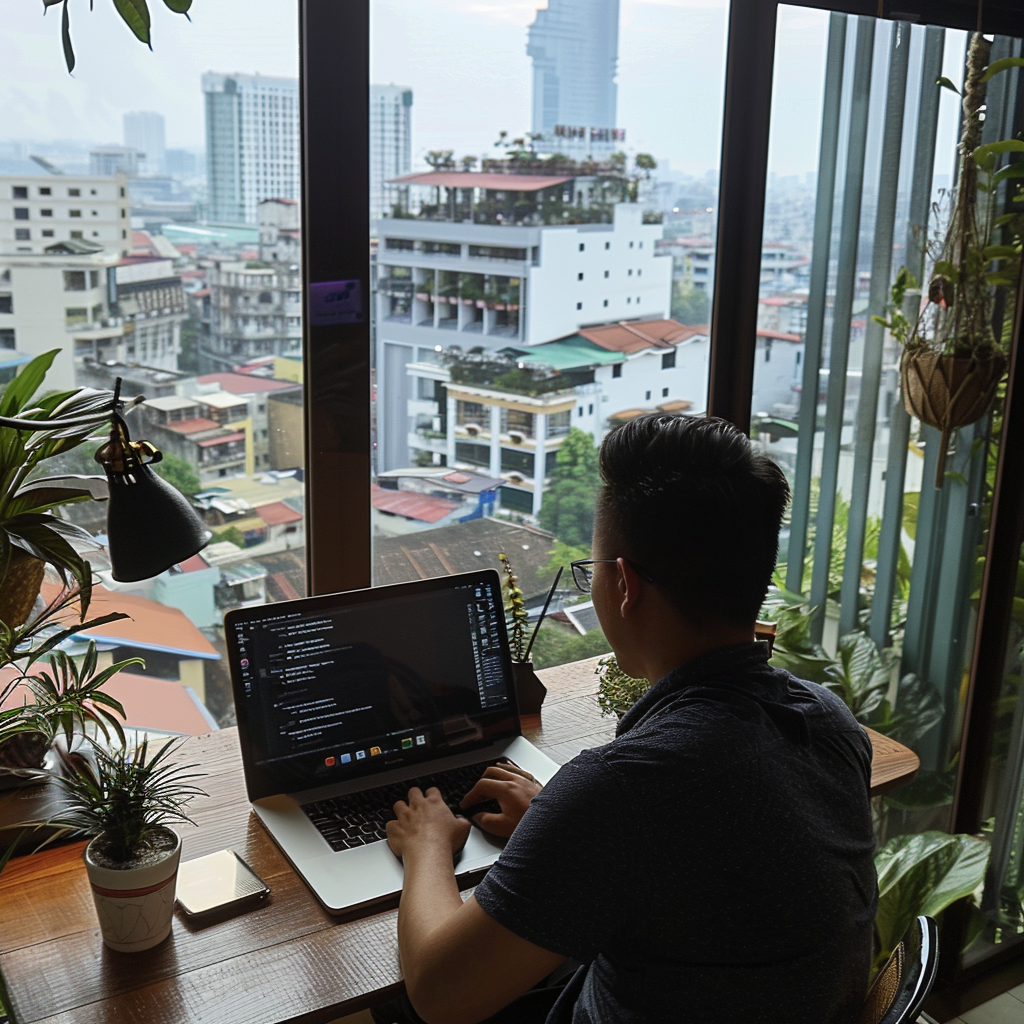
Technology is the tool that makes seamless online collaboration on documents possible for distributed teams. The right tools provide a shared virtual workspace and simplify file coordination. Be sure to use platforms and software with features such as:
- Real-time simultaneous editing so multiple people can work on the same document at once
- In-depth comments and discussions to keep feedback centralized
- Version control with change tracking
- User permissions to manage editing and viewing
- Automatic routing for review and approval
- Cloud-based storage and access
Solutions like Google Docs, Office 365, and Box support instant online collaboration from any location. In addition, project management platforms often include built-in tools for creating documents collaboratively online. Identify the solutions that fit your team’s needs and introduce them with thorough training.
Maintain Transparency in Progress
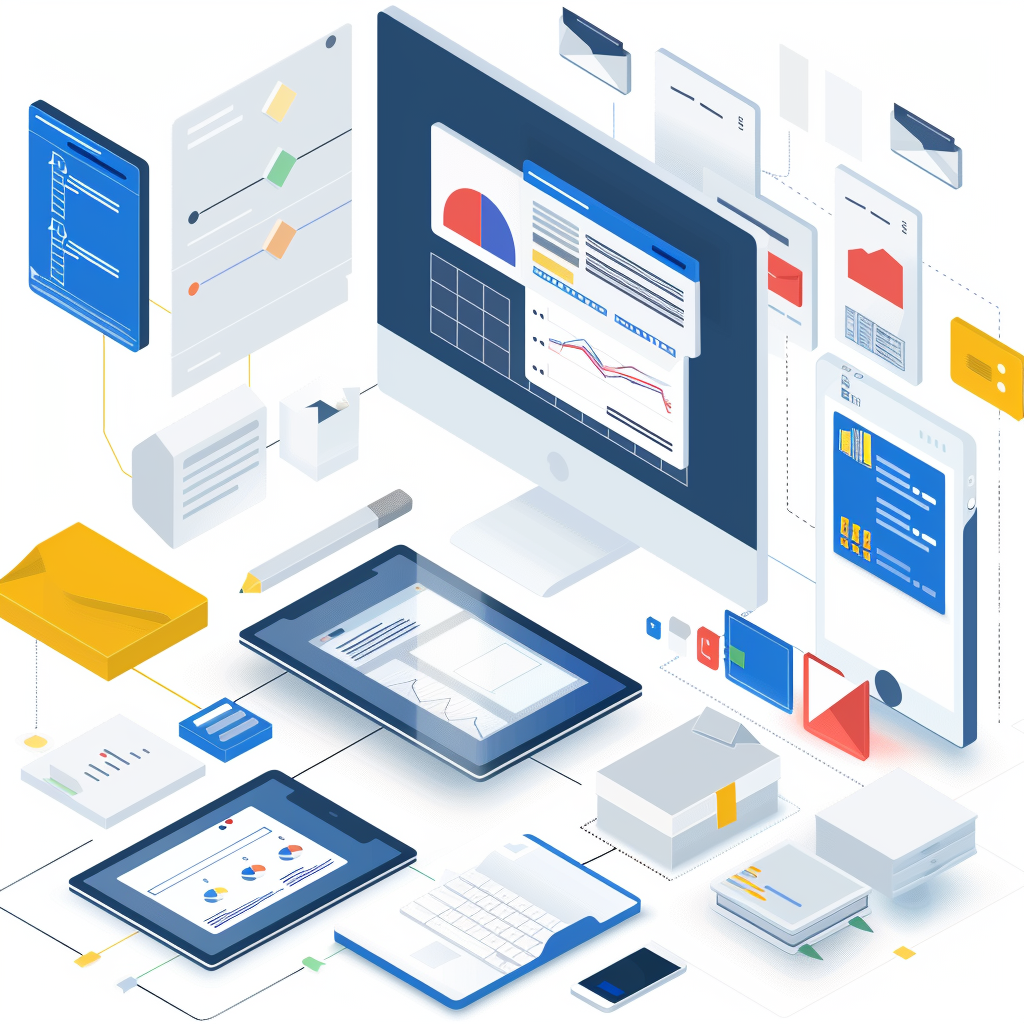
When team members work remotely, it becomes harder to get a clear view of who is working on which document and where things stand. When you can’t meet in the office, you lose some of the natural awareness of what others are doing. That’s why you need to proactively create transparency around document status by using tools such as:
- A shared document tracking board (a spreadsheet works) to record who is in charge, deadlines, and next steps
- Status tags such as “Draft” or “Awaiting Final Approval” to label versions
- Automatic notifications when a file changes
- A dedicated online document collaboration channel in your messaging platform to centralize questions and notes
- Regular video meetings to align on pending tasks and next steps
By keeping document handling and ownership clear to everyone collaborating online, you can minimize confusion and make sure everyone stays aligned, even when working in different locations.
Focus on Communication
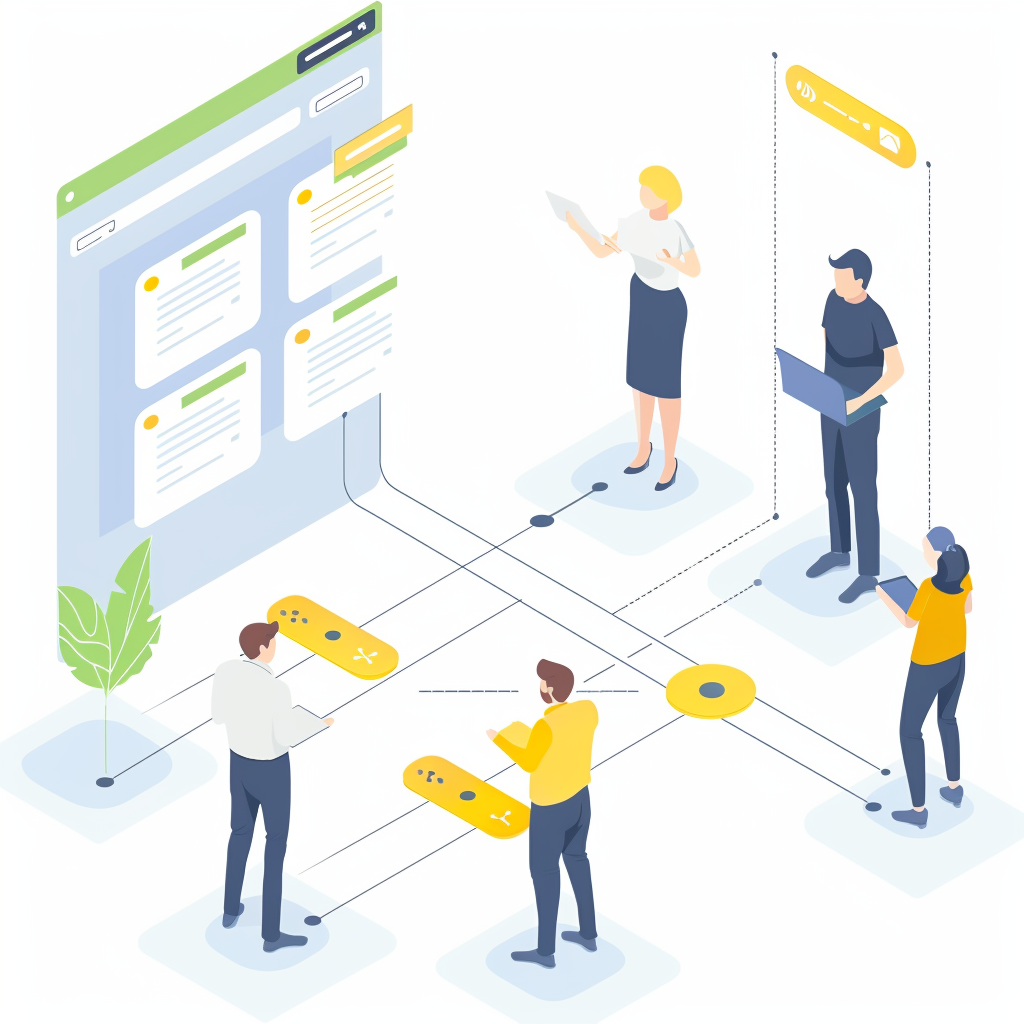
Smooth online collaboration depends on continuous communication. When working with remote colleagues on documents, make sure you have channels that allow seamless discussion, both in real time and over longer stretches of time. These channels can include:
- Instant messaging platforms such as Slack or Microsoft Teams for quick questions and clarifications
- Shared document portals with commenting tools so discussions can focus on specific points
- Email threads to connect with all collaborators and archive discussions
- Regular online video meetings to align on document direction and resolve bottlenecks
Centralizing all communication and feedback in shared channels keeps online collaboration continuous for people in different time zones. It also creates a record of key ideas that everyone can refer back to.
Be Clear on Requirements but Flexible with Input
While setting specific processes is essential, you also need to balance that with openness to input from the many people collaborating online on a document. Provide clear expectations on format, style, company guidelines, and required approvals. At the same time, always welcome insights from different team members, since they can strengthen the final result.
Encourage online collaborators to:
- Offer alternative perspectives and ideas
- Point out gaps in content or logic
- Suggest better wording while editing
- Add relevant data points from their own expertise
- Flag confusing sections
Flexibility in incorporating diverse opinions raises the quality of your documents while empowering remote collaborators to take initiative.
Review Documents in Real Time
Don’t just email a document and ask someone to review it. Instead, schedule a working session to go through the document together in real time over a video call. Walk through each section of the document carefully, taking in comments and feedback directly. This allows you to:
- Provide context on what you want to achieve
- Answer questions right away as they come up
- Discuss and resolve flagged issues live instead of asynchronously
- Make sure you capture and understand all feedback
Reviewing documents in real time makes for lively exchanges that help everyone align on priorities and direction. It also builds shared ownership of the work.
Design Documents for High Accessibility
In a remote work setting, collaborators often need to access and edit documents on the go across multiple devices. So take steps to improve accessibility, such as:
- Use cloud-based apps that support editing on mobile devices
- Format documents so they are easy to read on smaller screens
- Optimize readability and commenting on mobile
- Build in features that support people with disabilities
- Make sharing viewing and editing permissions simple
- Avoid software that forces online collaborators onto a single device. Optimize for easy online collaboration on mobile.
Maintain an Edit Log
When many people edit and contribute to a document, you need to be able to track what was changed, when it changed, and who made the change. Make sure your online collaboration platforms provide detailed edit logs, including:
- Notifications about who viewed, edited, downloaded, or printed a document
- Visibility into versions with tracked changes
- A timeline of comments and discussions
- Timestamps and annotations for all changes and contributions
A rigorous edit log provides transparency and supplies key information if questions come up about the document’s editing process later.
See more: Applying Generative AI to Content Creation
Prioritize Consistent Formatting
A lack of attention to consistent document formatting can quickly create a messy, disjointed workflow. When collaborating online remotely, set and enforce standards such as:
- A unified style for fonts, spacing, alignment, and so on
- Template documents containing the required logos, footers, and headers
- Clear context on when and how to use formatting emphasis tools
- Guidelines on image requirements and sources
- Consistent formatting for footnotes
- Standard placement and style for page numbers, footers, and headers
Consistency boosts professionalism and brand awareness while minimizing the need to reformat between versions. Give collaborators template documents and style guides to support consistency.
Conclusion
Smooth online collaboration relies mainly on establishing clearly structured workflows that keep remote team members in sync. Beyond that, it takes the right technology, communication channels, and an open mindset to ensure transparency, seamless discussions, and shared ownership. Allowing broad input while maintaining consistency in formatting and communication is the key.
Disciplined processes allow remote teams to collaborate online effectively regardless of geographic distance and time zones. The result is higher-quality, more influential documents that draw on the diverse expertise of team members. With the right approach to online collaboration, documents become a powerful tool for bringing online teams together and driving them forward.

Nguyễn Đình
Bảo




As CEO of The7, I am committed to sharing practical, useful knowledge with every reader. Every article on The7 is based on my 7 years of hands-on experience in marketing — Facebook advertising, LinkedIn advertising, Google advertising, and marketing strategy. I hope you take away plenty of insight from these posts and apply it successfully in practice.
Related Articles
Building a Full-Funnel Content Marketing Strategy on LinkedIn
Table of Contents Toggle Why Build Content Marketing for the Full Marketing Funnel? (Why Full-Funnel Content Marketing?)Creating Your Strategy (Creating Your Strategy)Implementing Your Content Strategy (Rolling out your content strategy)Summary...
Designing Creative Content for LinkedIn
Table of Contents Toggle Why Is Good Creative Content So Important? (Why is Good Creative Important?)Key Components of Creative Design (the core elements of creative design)Summary (summary) Why Is Good...

Building an Organic Business Presence on LinkedIn With a LinkedIn Page
Table of Contents Toggle Why Have a LinkedIn Page?Establishing Your LinkedIn PageKeeping Your LinkedIn Page ActiveThe Measure of SuccessSummary About LinkedIn Page (Summary) Why Have a LinkedIn Page? For a...

6 Best LinkedIn Marketing Strategies for B2B in 2026
Table of Contents Toggle LinkedIn 2026: Where B2B Decisions Get MadeStrategy #1 – Why Is LinkedIn the Best B2B Marketing Channel Today?1. Decision-makers are concentrated here2. Users are in work...

7 Social Media Trends for 2026: The Era of Real Value, Real Conversion, and Real People
Table of Contents Toggle Social media is entering the biggest restructuring of the decadeTrend 1: Why is buying directly in-app becoming the new standard for 2026? (On-Platform Conversion)What should businesses...

What Is TikTok Marketing? Effective TikTok Marketing Strategies
TikTok has been topping the global rankings of the most downloaded and most visited apps. That makes it a gold mine for marketers who love creativity. In this article, The7...


