


YouTube Thumbnails: How to Create Quality, Compelling Thumbnails
A YouTube thumbnail lets your video stand out the moment users run a search. In this article, The7 will show you how to choose the most attractive and effective size for your YouTube Thumbnail!
What Is a YouTube Thumbnail?
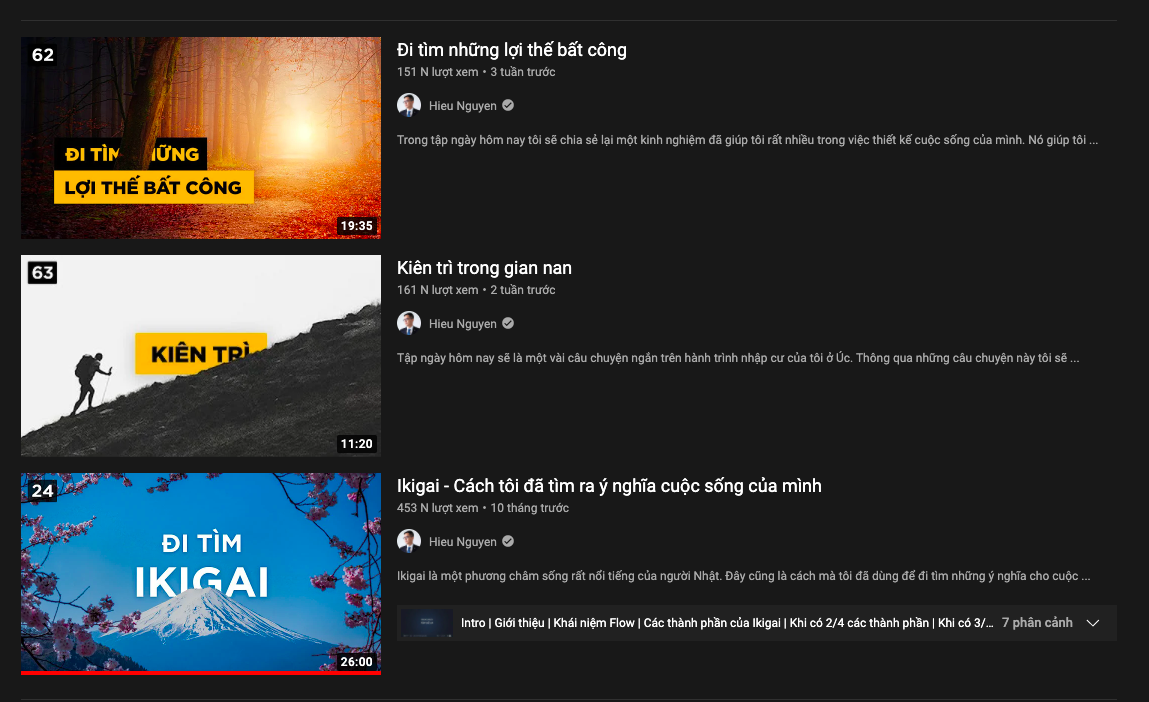
What is a YouTube thumbnail? A YouTube thumbnail (or video preview image) is a great feature for YouTubers who want to attract viewers. Put simply, a YouTube thumbnail is the first thing users see when they search for a keyword and look for content that fits their needs.
That is why a YouTube thumbnail plays such a big role in whether people click to watch your video. A YouTube study found that more than 90% of videos with strong engagement and high view counts use custom YouTube thumbnails.
Why You Should Use a Custom YouTube Thumbnail
In practice, a thumbnail helps users easily judge the video content they want to watch from its preview image. So a high-quality custom YouTube thumbnail helps you “score points” with viewers compared with the other content on YouTube.
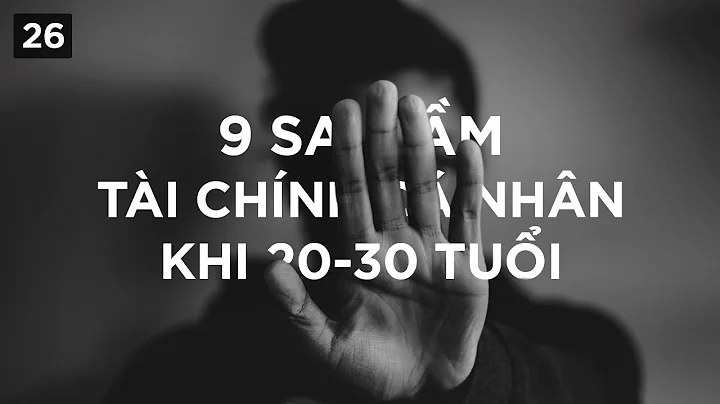
So do you really need a custom YouTube thumbnail for your video? Why not just grab a quick screenshot and use that? Because YouTube already offers suggested thumbnails by default. On top of that, you also need an attractive title to draw viewers in.
The Purpose of Using a YouTube Thumbnail
A YouTube thumbnail is used to grab viewers’ attention for the video you upload. That is why it needs to be designed to stand out and serve needs such as:
– Effectively conveying the content of your video
– Being appealing enough to encourage users to click and watch
– Setting your brand apart from other brands. This makes your video stand out among countless other videos on YouTube
– Being viewable on every device, whether desktop or mobile.
Standard Image Sizes on YouTube
When you learn how to create a thumbnail for a YouTube video, you should also pay attention to the standard image sizes on YouTube. Below, The7 gives you the standard sizes for banners, profile pictures and thumbnails as set by this video-sharing platform.
YouTube Banner Image Sizes
Standard banner size on YouTube
The banner image (also called “cover art”) is the picture at the very top of every YouTube channel. A banner makes a YouTube channel look more impressive and professional, which in turn attracts more viewers to your channel. A standard banner size ensures the image displays sharply and correctly on every screen size, even the largest screens. On YouTube, the standard banner size is 2560×1440 pixels.
There are also a few other important specifications:
- Minimum banner size: 2048 x 1152 pixels
- Aspect ratio: 16:9
- File size: 6MB maximum
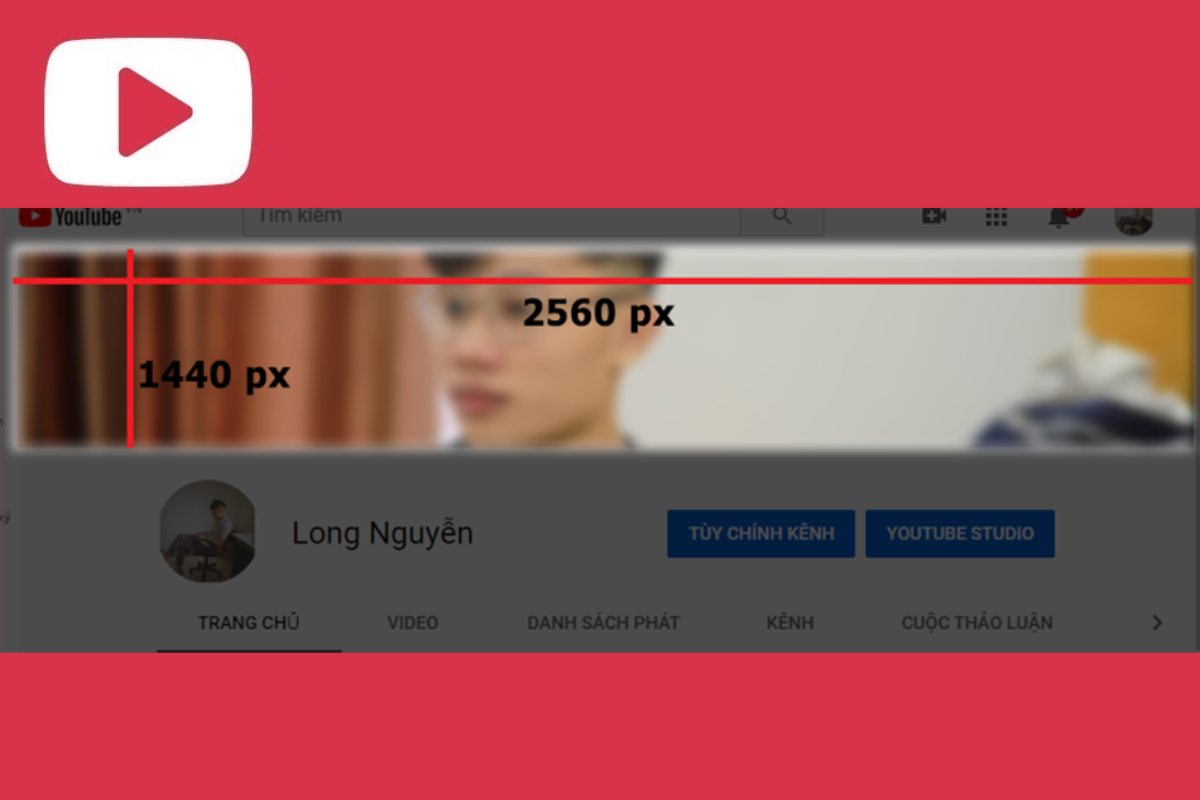
Banner display size on YouTube
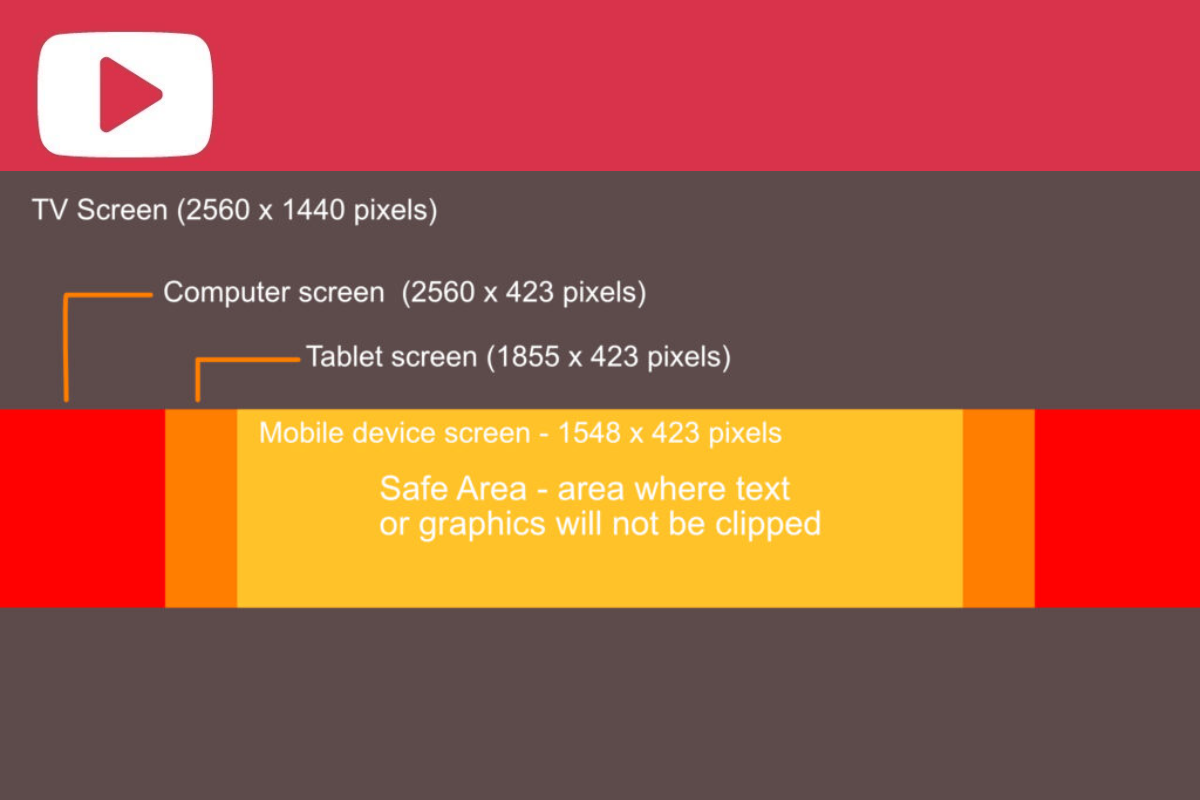
Viewers will visit your YouTube channel on many different devices, such as laptops, tablets, smartphones and TVs. That is why YouTube also sets display sizes for banners, to make sure they work on every device. Specifically:
- Banner display size on tablets: 1855 x 423 pixels
- Banner display size on desktop computers: 2560 x 430 pixels
In addition, the area where the banner is always fully visible is 1546 x 423 pixels. For example, if your cover art is 2560×1440 pixels, you should position the key information and content of the image within the 1546 x 423 pixel safe area. That way, your banner fits properly on both computer screens and phones, and you avoid it being cropped in a way that hurts its look.
YouTube Profile Picture Sizes
Standard profile picture size on YouTube
The profile picture, or avatar, appears extremely often, especially when you reply to comments from YouTube users.
An avatar is considered the “face” of the channel owner. It is displayed quite small, so you need to choose the right standard size for your profile picture so that it appears clear and sharp.
The standard size for a YouTube channel profile picture is 800×800 pixels.
There are also a few other rules for YouTube profile pictures:
- Image format: PNG, BMP, GIF or JPG (animated GIFs are not supported)
- File size: 4MB maximum
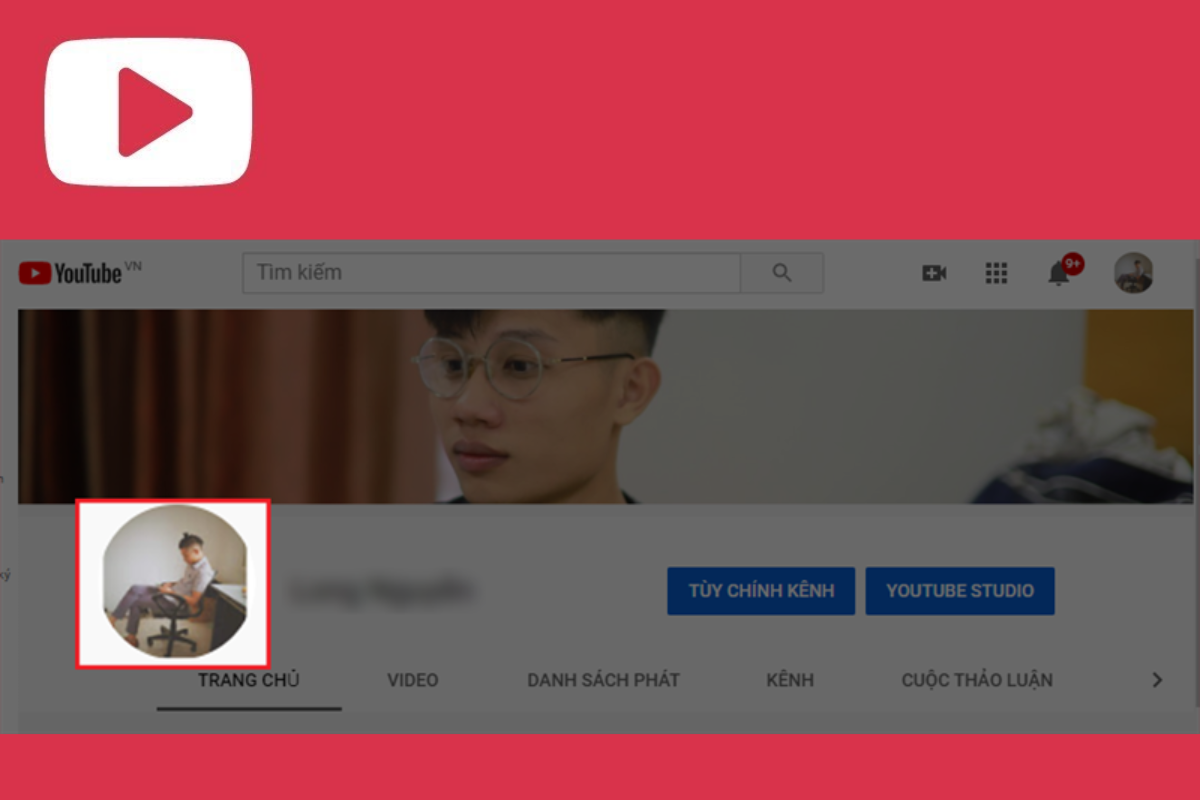
Profile picture display size on YouTube
On YouTube, a user’s profile picture is displayed at 98×98 pixels. Note that although your profile picture is square, YouTube automatically crops it into a circle, on both smartphones and computers. So don’t put important details near the corners of the image, or they will be cut off when your YouTube avatar is displayed.
YouTube Thumbnail Sizes
Standard YouTube thumbnail size
Among the tips for making a YouTube thumbnail, thumbnail size is the one you need to pay special attention to. As mentioned above, the thumbnail is the first image users see before they click on a video on your channel.
So you need to choose the right thumbnail size and resolution to make a strong impression and win viewers over at first glance. According to YouTube, you should set custom thumbnails with the following specifications:
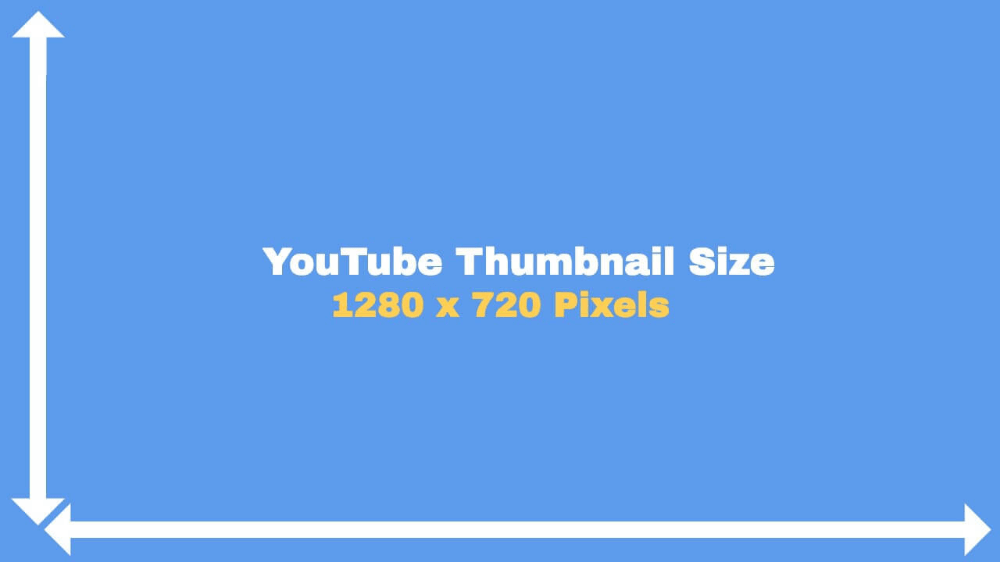
- Resolution: 1280×720 pixels
- Image format: PNG, BMP, GIF or JPG
- File size: under 2MB
- Ideal aspect ratio: 16:9 (this ratio is widely used in YouTube players and previews)

Thumbnail display size on YouTube
The YouTube thumbnail display size is 1280×720 pixels. This size is large enough for users to see the content of the thumbnail clearly. Keep the display size in mind when you make a YouTube thumbnail so the image stays as sharp as possible.
Key Factors to Watch When Using YouTube Thumbnails
Keep in mind that not every YouTube thumbnail can attract viewers if it does not follow Google’s basic rules. Here are some tips for making YouTube thumbnails that The7 wants to share with you:
– The best aspect ratio for each video is 16:9, with a file size under 2MB
– To upload a custom YouTube thumbnail easily, you need to verify your YouTube channel with a phone number.
– You can change or upload a new thumbnail for videos you have already published HERE
– Add text to your YouTube thumbnails so viewers can easily picture what your video is about without reading the title. However, keep it to 20 characters or fewer, and don’t just copy the whole title onto the thumbnail.
Creating a YouTube thumbnail is simple, isn’t it? Besides investing in your video content, prepare your thumbnail well too, because it helps you “score points” with viewers. If you know any other great YouTube thumbnail tricks, share them directly with The7!
How Can The7 Help You?
At The7, we offer two main Online Marketing Services: dedicated consulting and quality implementation. Both are delivered by a team of specialists and experts with in-depth training. From there, we design a tailored roadmap for your business to roll out the right, optimized Online Advertising Services, while eliminating any activities that bring no real benefit.
With many years of experience in the industry, The7 will work with your business to define the direction and execution of an effective online marketing strategy, minimizing the risks of running digital activities on your own.
The7 plans and executes complete online marketing programs built on advertising solutions across Facebook, Instagram and Google, as well as web design and content marketing services.
For full information about our full-service marketing, contact us today via Hotline: 082 246 7979 – 028 3899 7377 or visit https://the7digital.com/ for a consultation!

Nguyễn Đình
Bảo




As CEO of The7, I am committed to sharing practical, useful knowledge with every reader. Every article on The7 is based on my 7 years of hands-on experience in marketing — Facebook advertising, LinkedIn advertising, Google advertising, and marketing strategy. I hope you take away plenty of insight from these posts and apply it successfully in practice.
Related Articles

26 Predictions for Social Media Marketing Trends in 2025
It’s that familiar time of year again, when experts and analysts start revealing their predictions for the social media marketing trends worth watching, along with the shifts that promise to...
The Complete Guide to YouTube Shorts Marketing
YouTube Shorts officially launched worldwide this past July. Many businesses have surely recognized the potential of this advertising channel. Plenty of people believe YouTube Shorts will become a rival to...


