


7+ Ways to Optimize Your LinkedIn Account to Boost Career Opportunities

LinkedIn is a great platform for connecting with recruiters and finding jobs. If you know how to optimize your LinkedIn account, it becomes much easier to present yourself and make a strong impression on recruiters.
>>>>> See more: LinkedIn advertising services
Change the URL of Your Profile
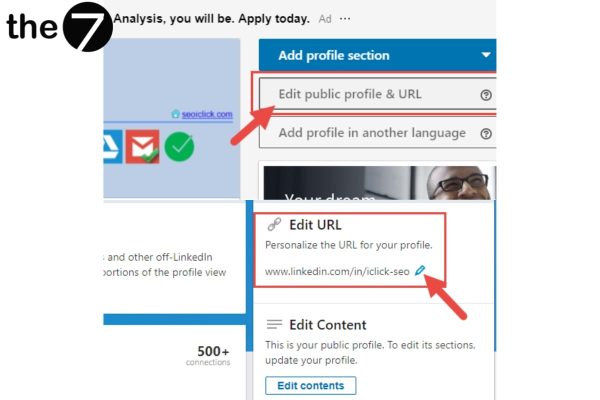
When you first start using LinkedIn, your profile URL is usually a messy string of numbers and letters. That is why changing the URL to your name is a useful way to optimize your LinkedIn account: it makes your URL look more professional to recruiters and makes it easier for other people to find your profile. To change your URL, go to “Edit public profile & URL”.
Write a Compelling, Memorable Summary
LinkedIn has a section where you can briefly describe yourself (Summary), and it is also a section recruiters pay close attention to on your profile. Here, you need to show recruiters your outlook, your direction, your personality and your best qualities!
Showcase Your Achievements Skillfully and Relevantly
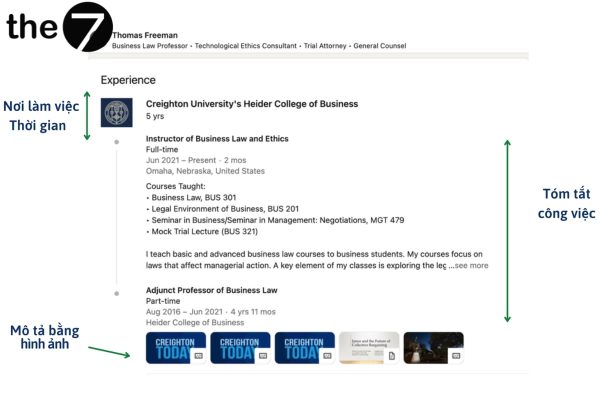
Showing the achievements you have earned is an extremely suitable way to optimize your LinkedIn account. These strengths will be a big plus in recruiters’ eyes if you present them skillfully on your profile. Remember not to list your achievements as one long page. Instead, pick only the most outstanding ones, or those most relevant to your career direction, to put on your profile.
Use Appropriate, High-Quality Photos
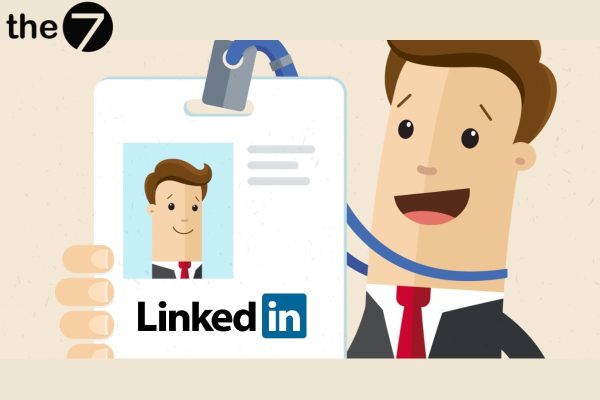
Whenever a recruiter looks at your profile, your profile picture is the first image they see. To look professional, your LinkedIn images have to make a good first impression, so invest real effort in this photo. Take more time to choose a suitable, polished, high-quality picture to upload!
Share Your Experience and Insights Through Posts
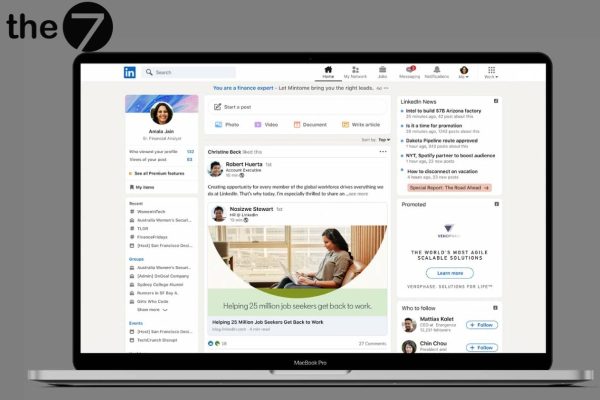
Posting or sharing articles about your industry experience is also a way to optimize your LinkedIn account and gain more followers. As your account grows more popular, your CV information will show up in the newsfeed in the form of posts. This gives you more chances to reach recruiters than if you only leave a CV link on your profile.
>>> You can also check out more articles about LinkedIn SEO:
- What is a LinkedIn headline? Tips to optimize your headline and grab attention
- Understand the LinkedIn algorithm and how to optimize for it effectively
Build Your LinkedIn Profile Like an Official CV
Your personal profile is designed much like a professional CV. You only need to fill in the necessary information to complete it. However, if you want your CV to stand out and impress recruiters, you need to polish it and invest more effort.
There are many ways to build a standout CV. You can try a few small tips, such as:
- Stay focused and avoid rambling or wordiness. If you present your CV as long paragraphs with no key points, readers will get bored.
- Focus on the professional achievements you have earned and the successes you have had in your career, especially the experience and skills you have.
- To add credibility, you can ask a lecturer, a former boss or former colleague, or another respected person to click “Endorse” on your profile. This feature serves to verify information, so when your profile is endorsed, it helps boost your trustworthiness with recruiters.
Expand Your Network, Even to People You Don’t Know
Another way to optimize your LinkedIn account you should know about is to connect with people on the platform, including those you don’t know yet. Once you connect with people in the same industry or field you are interested in, LinkedIn will suggest more people from their networks. You will have the chance to get to know, and even “join”, a huge community that includes experts in the industry or field you are exploring. And you will certainly learn countless useful things from this community.
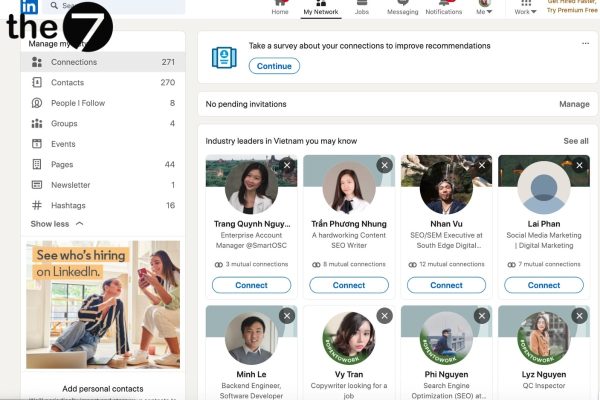
With LinkedIn’s connection referral feature, you can go through friends you are already connected with to connect with the people they know. Thanks to this feature, connecting is easier because of the trust and credibility of the person who introduces you.
Use the “Open to Work” Feature
LinkedIn statistics show that updating your “Open To Work” status gives you a more than 40% chance of receiving messages from recruiters. There is also a strong 20% likelihood of receiving messages from other users. That is why the “Open to Work” feature is one of the simplest ways to optimize your LinkedIn account.
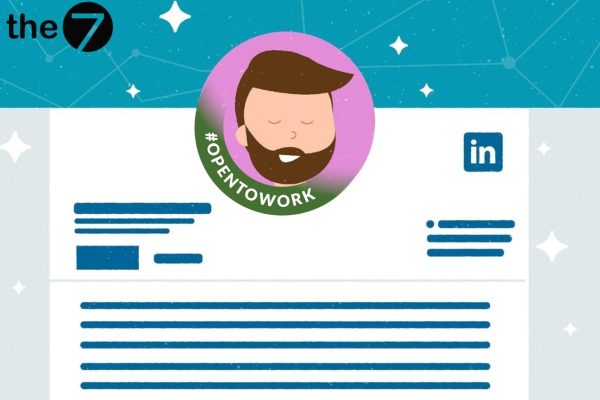
Updating “Open To Work” gives you a more than 40% chance of receiving messages from recruiters
When you turn this feature on, LinkedIn lets you display an “Open to Work” badge on your profile. When other users or recruiters see this badge, they know you are ready for new opportunities. In addition, this feature helps increase your visibility on LinkedIn.
With these ways to optimize your LinkedIn account covered above, The7 hopes you will have a truly impressive profile page. We wish you success in attracting recruiters and landing a job you love!
>>>>> See more: What is LinkedIn? Learn all about LinkedIn in detail

Nguyễn Đình
Bảo




As CEO of The7, I am committed to sharing practical, useful knowledge with every reader. Every article on The7 is based on my 7 years of hands-on experience in marketing — Facebook advertising, LinkedIn advertising, Google advertising, and marketing strategy. I hope you take away plenty of insight from these posts and apply it successfully in practice.
Related Articles
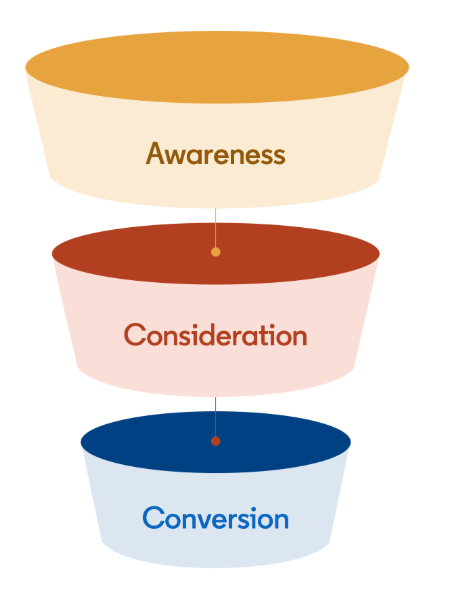
Building a Full-Funnel Content Marketing Strategy on LinkedIn
Table of Contents Toggle Why Build Content Marketing for the Full Marketing Funnel? (Why Full-Funnel Content Marketing?)Creating Your Strategy (Creating Your Strategy)Implementing Your Content Strategy (Rolling out your content strategy)Summary...
Designing Creative Content for LinkedIn
Table of Contents Toggle Why Is Good Creative Content So Important? (Why is Good Creative Important?)Key Components of Creative Design (the core elements of creative design)Summary (summary) Why Is Good...
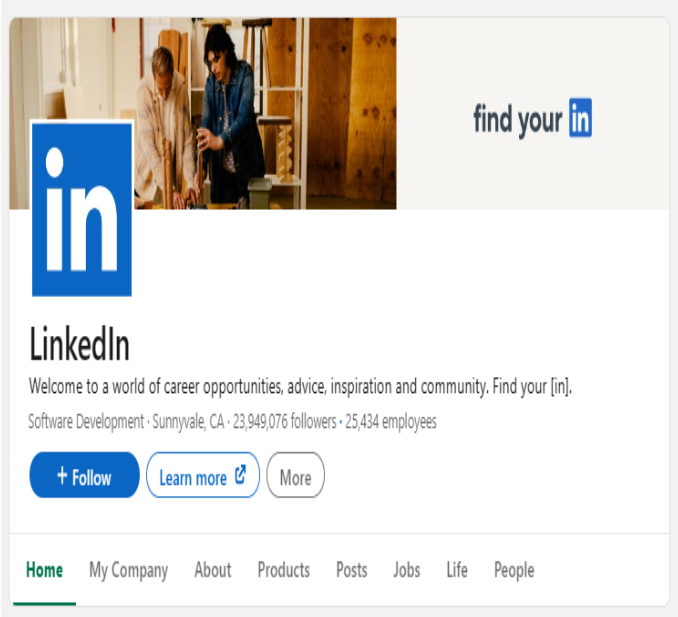
Building an Organic Business Presence on LinkedIn With a LinkedIn Page
Table of Contents Toggle Why Have a LinkedIn Page?Establishing Your LinkedIn PageKeeping Your LinkedIn Page ActiveThe Measure of SuccessSummary About LinkedIn Page (Summary) Why Have a LinkedIn Page? For a...
6 Best LinkedIn Marketing Strategies for B2B in 2026
Table of Contents Toggle LinkedIn 2026: Where B2B Decisions Get MadeStrategy #1 – Why Is LinkedIn the Best B2B Marketing Channel Today?1. Decision-makers are concentrated here2. Users are in work...

26 Predictions for Social Media Marketing Trends in 2025
It’s that familiar time of year again, when experts and analysts start revealing their predictions for the social media marketing trends worth watching, along with the shifts that promise to...
LinkedIn Advertising Guide for Beginners
LinkedIn offers businesses a huge opportunity to reach potential customers, build their brand, and even find talent to grow with. In this article, let’s join The7 in exploring how to...


