


What Is LinkedIn Marketing? How to Apply It Effectively in Your Business
LinkedIn is one of the largest social media platforms, and it holds a lot of potential for business growth. Yet many people are still unfamiliar with it and don’t know how to take advantage of its benefits. In this article, The7 introduces the concept of what LinkedIn Marketing is and the LinkedIn marketing strategies that can help your business reach the top.
>>>>> See more: LinkedIn advertising services
What Is LinkedIn Marketing?
LinkedIn Marketing is the process of using the LinkedIn social network to build connections and brand awareness, strengthen partnerships, share content, and attract traffic. Today, LinkedIn is an important part of many marketing campaigns.
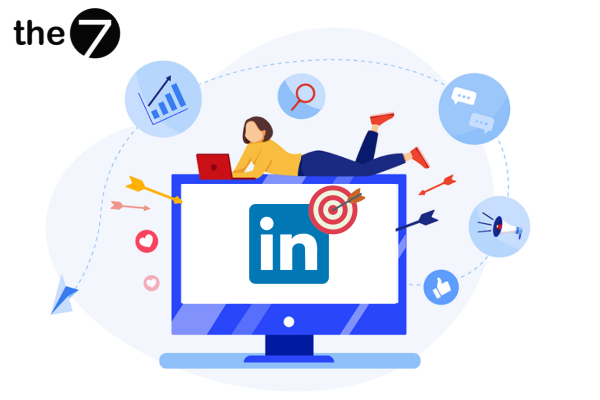
LinkedIn is considered an effective tool for expanding a business’s network. Using LinkedIn for marketing gives you access to important resources, such as connections, figures, and the data you need.
The Role of LinkedIn Marketing for Businesses
First of all, we know that marketing activities are essential to your business. Combining LinkedIn with your marketing helps your business create standout value quickly and achieve these end results:
- Effectively support your website SEO projects.
- Increase sales and ROI after marketing campaigns.
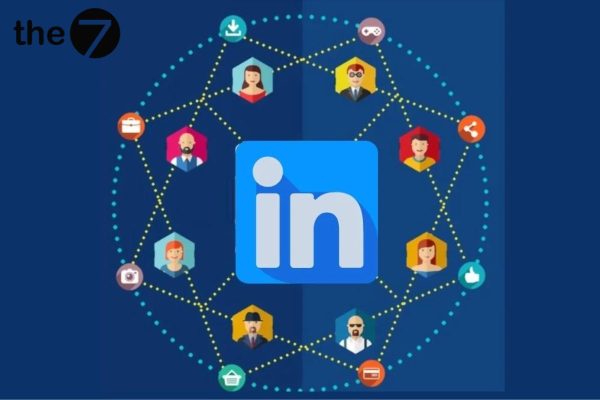
- Build and expand your social network and reach your ideal demographics.
- Find potential talent on LinkedIn.
- Run communications and promotion campaigns to build your business’s brand.
Why Should Businesses Use LinkedIn Marketing?
Although campaigns on LinkedIn cost relatively more, the audience you reach is more valuable and of higher quality than on other social media channels. Your LinkedIn ads are always seen by business-minded professionals who are targeted by relevant demographic information, such as industry, work location, and job title. Here are the advantages that LinkedIn Marketing brings:
- LinkedIn is an ideal platform for business-to-business (B2B) models, helping businesses optimize their investment costs and reach their target customers.
- LinkedIn is also a great environment for business-to-consumer (B2C) models if the business identifies the right audience. (According to Inside View, LinkedIn brings in more leads for B2B businesses than the two other major social networks, Facebook and Twitter.)
- LinkedIn is a professional environment for businesses in more than 200 countries.
- This social platform holds a vast treasury of knowledge for learning and market research.
- The audience on LinkedIn is distinctive and high-end, because the number of potential customers is higher than with job ads on Facebook.
- Detailed reports and statistics on CPC and CPM.
- Precise filters by audience or position (Director, CEO, Manager, etc.).
How to Set Up a LinkedIn Page for Your Business
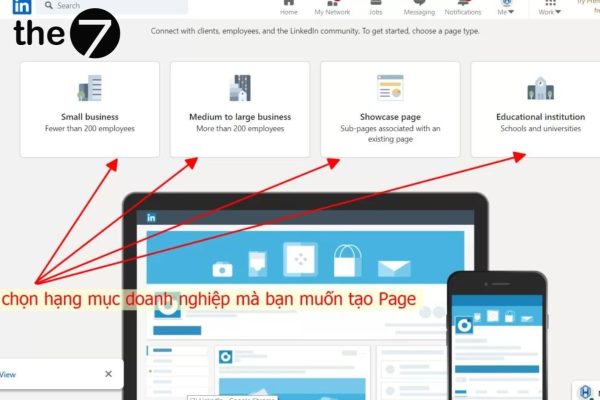
To start a marketing campaign on LinkedIn, you first need to create a LinkedIn Page for your business on the platform. Here is a guide to setting up a LinkedIn Page:
- Step 1: Go to “LinkedIn Pages” on the LinkedIn Marketing Solutions website. Click the “Create your page” button.
- Step 2: Choose the type that fits your company.
- Step 3: Fill in your business information, and make sure your business name matches your other social platforms, such as Facebook and Instagram.
- Step 4: Upload your business logo and a short description of your business. Don’t skip this step, because businesses with a profile picture on LinkedIn attract 6 times more visitors than those without one.
- Step 5: Click the “Create your page” button. That’s it, you have set up your business’s LinkedIn Page.
>>> You may also want to read:
- What Is LinkedIn? How to create an account and use LinkedIn effectively
-
LinkedIn SEO explained: A complete A-Z guide to LinkedIn SEO
LinkedIn Marketing Strategies to Help Your Business Reach the Top
Find Customers Who Are Likely to Connect and Convert
Finding and targeting customers with a high likelihood of converting on LinkedIn is extremely effective. You can precisely select the industry, company size, or job title of the audiences you know are most likely to buy.
Example: If you sell accounting software to startups in Vietnam, you can run an ad campaign that is shown only to companies with fewer than 100 employees in Vietnam, and only to managers at those companies.
Take Advantage of Organic Search From Customers
Optimize your LinkedIn profile with relevant keywords to improve your visibility. Research and identify the keywords and key phrases your business’s target audience searches for in your industry. Then weave these keywords flexibly into your company profile, including the job descriptions, headline, summary, and skills. Just make sure the usage feels natural and doesn’t get in the way of readability.
Build a List of Potential Customer Emails
InMail is a must-have tool in any LinkedIn Marketing strategy. It is a paid feature, but at $79/month it is well worth the cost.
With LinkedIn InMail, your business can reach and contact any user on LinkedIn. You are also not limited in the number of people you connect with each month.
Use Sponsored Content
With sponsored content in the LinkedIn feed, your posts can appear in the feeds of your target customers. This paid format on LinkedIn is similar to Facebook Ads, but what sets it apart is that you can customize targeting by company name, management position, industry, skills, and more.
This format suits marketing strategies built on expertise and attracts customers with a high conversion rate. These days, people are wary of ads but still want free, useful knowledge. You can promote the content you created for your content marketing strategy, such as infographics, videos, and ebooks, through sponsored content. If your content is interesting and aimed at the right target market, you can generate revenue
Post High-Quality Content
You shouldn’t just post links on LinkedIn at random and expect them to generate engagement. Every social media platform wants you to avoid sending users away from its site. That’s why content plays a very important role in LinkedIn Marketing.
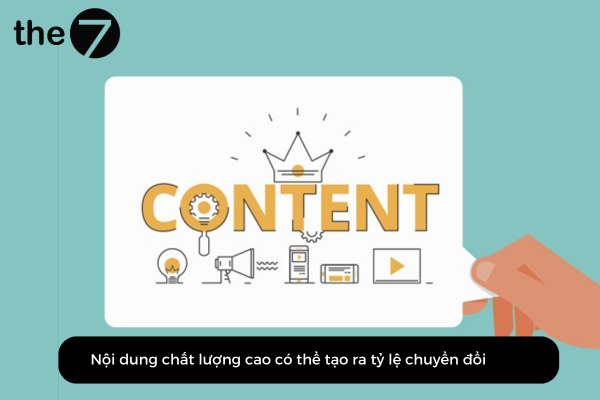
Post high-quality content
High-quality content that can drive conversions must meet two requirements. First, the content should guide readers and help them solve their problems or do better. Second, it should show that you are an expert in your field and industry. Together, these two things expand your business opportunities if you deliver real value to readers.
If you must post a link, you can also place it in the comments below your post. Content on LinkedIn is also very diverse, from small stories to posts sharing noteworthy achievements, and more. Choose unique content that attracts and retains readers.
Publish Content Directly on LinkedIn
Publishing content directly on LinkedIn helps you rank higher in search engines and can increase traffic to your company page. If your post is truly engaging, LinkedIn will surface your business’s post through hashtags, which can attract many readers. This is considered one of the lowest-cost growth strategies on LinkedIn.
Optimize LinkedIn for Your Business
After setting up your business’s LinkedIn Page, you need to learn how to optimize your LinkedIn account so the page appears more often on the platform. You can scroll down and click “Edit page,” then fill in all the fields that ask for additional information.
This makes your business’s goals on LinkedIn clearer to users and improves your SEO performance in search results, because companies with a complete profile attract 30% more views than those with an unfinished one.
Set a Custom URL
If your account has been active on LinkedIn for some time and has gained a certain number of potential customers, you should claim your custom URL on LinkedIn. The URL will contain important information such as your business name, which matters when you network and meet new partners. They can look up information about your business through Google.
Once you have claimed a custom URL, your profile is more likely to appear in Google’s search engine.
Tools That Support Effective LinkedIn Marketing
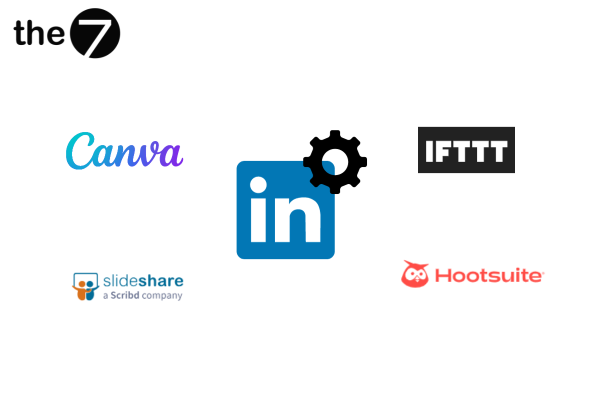
Canva
Canva is one of the free image design tools. It helps businesses create attractive designs that capture readers’ attention. Instead of using plain text content, you can use Canva to create engaging content.
Canva also supports GIF and video content. With its library of non-commercial music, you can use tracks in your posts without worrying about copyright claims.
SlideShare
SlideShare is a useful platform for sharing your PowerPoint files with readers on LinkedIn.
This tool also lets you track the reach of your PowerPoint files after you share them externally.
Hootsuite
With Hootsuite, your business can use the following features in its marketing strategy:
- Create and schedule content posts.
- Quickly respond to readers’ comments and messages on your page.
- Analyze LinkedIn metrics.
- Build specific, detailed reports to present to your superiors.
IFTTT
IFTTT is a LinkedIn marketing tool that automates specific tasks through third-party apps. It offers recipes to automate your work on LinkedIn.
Example: You can schedule exact posting times for your social media posts, share your LinkedIn posts on Facebook with a specific hashtag, or share a tweet every time you publish a post.
We hope the information above from The7 has helped you understand what LinkedIn Marketing is. LinkedIn has enormous potential: it helps you find quality customers and increase your conversion rate. It is a professional platform and a big playing field for your business to get started.

Nguyễn Đình
Bảo




As CEO of The7, I am committed to sharing practical, useful knowledge with every reader. Every article on The7 is based on my 7 years of hands-on experience in marketing — Facebook advertising, LinkedIn advertising, Google advertising, and marketing strategy. I hope you take away plenty of insight from these posts and apply it successfully in practice.
Related Articles
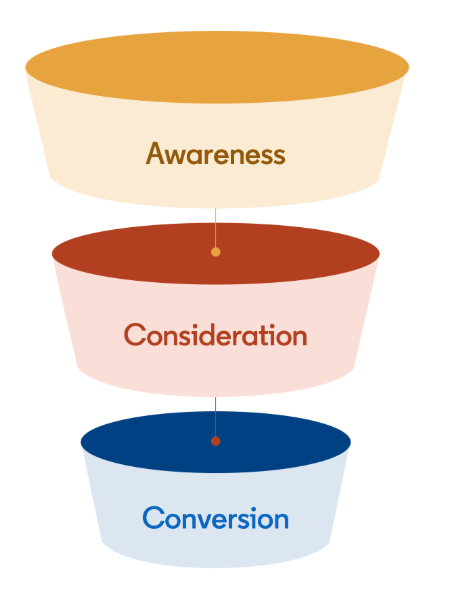
Building a Full-Funnel Content Marketing Strategy on LinkedIn
Table of Contents Toggle Why Build Content Marketing for the Full Marketing Funnel? (Why Full-Funnel Content Marketing?)Creating Your Strategy (Creating Your Strategy)Implementing Your Content Strategy (Rolling out your content strategy)Summary...
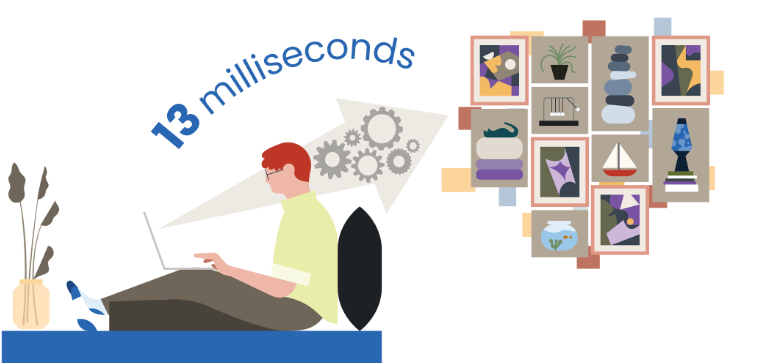
Designing Creative Content for LinkedIn
Table of Contents Toggle Why Is Good Creative Content So Important? (Why is Good Creative Important?)Key Components of Creative Design (the core elements of creative design)Summary (summary) Why Is Good...
Building an Organic Business Presence on LinkedIn With a LinkedIn Page
Table of Contents Toggle Why Have a LinkedIn Page?Establishing Your LinkedIn PageKeeping Your LinkedIn Page ActiveThe Measure of SuccessSummary About LinkedIn Page (Summary) Why Have a LinkedIn Page? For a...
6 Best LinkedIn Marketing Strategies for B2B in 2026
Table of Contents Toggle LinkedIn 2026: Where B2B Decisions Get MadeStrategy #1 – Why Is LinkedIn the Best B2B Marketing Channel Today?1. Decision-makers are concentrated here2. Users are in work...

26 Predictions for Social Media Marketing Trends in 2025
It’s that familiar time of year again, when experts and analysts start revealing their predictions for the social media marketing trends worth watching, along with the shifts that promise to...
LinkedIn Advertising Guide for Beginners
LinkedIn offers businesses a huge opportunity to reach potential customers, build their brand, and even find talent to grow with. In this article, let’s join The7 in exploring how to...


